THE NEW GENERATION OF CRM
AI assistants. Automation. SmartDesign.
CAS genesisWorld x18
From the first cup of coffee in the morning until the end of the working day, I can keep an eye on my customers and prospects. Processes run automatically. Artificial intelligence steps in exactly where it can save me time and provide a valuable basis for decision-making. My CRM adapts easily to my daily routine. This is exactly how a modern CRM should work.
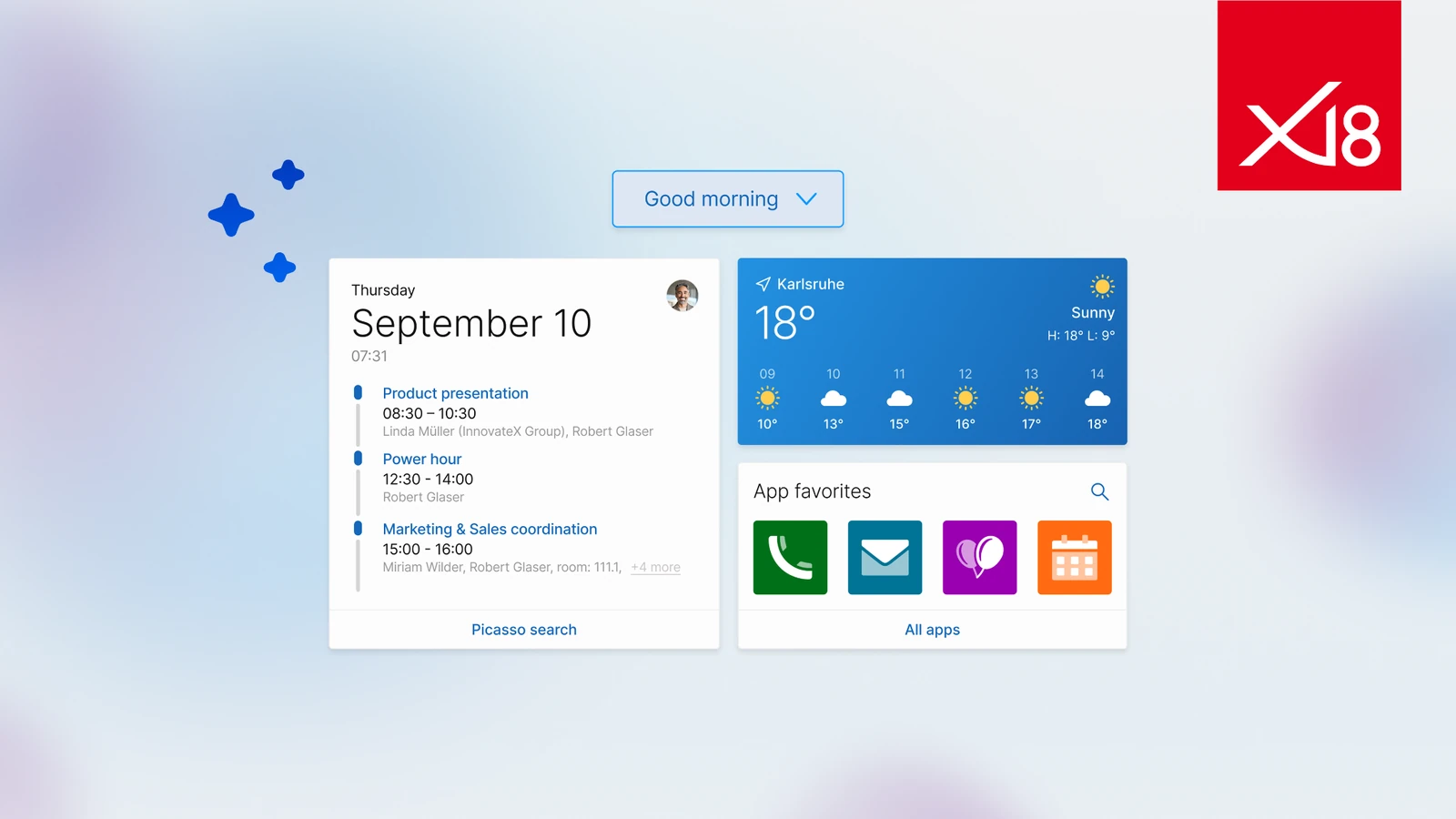
A good working day starts with the right overview. What is on the agenda today? Which tasks and appointments are important? And what information do I need to get started right away?
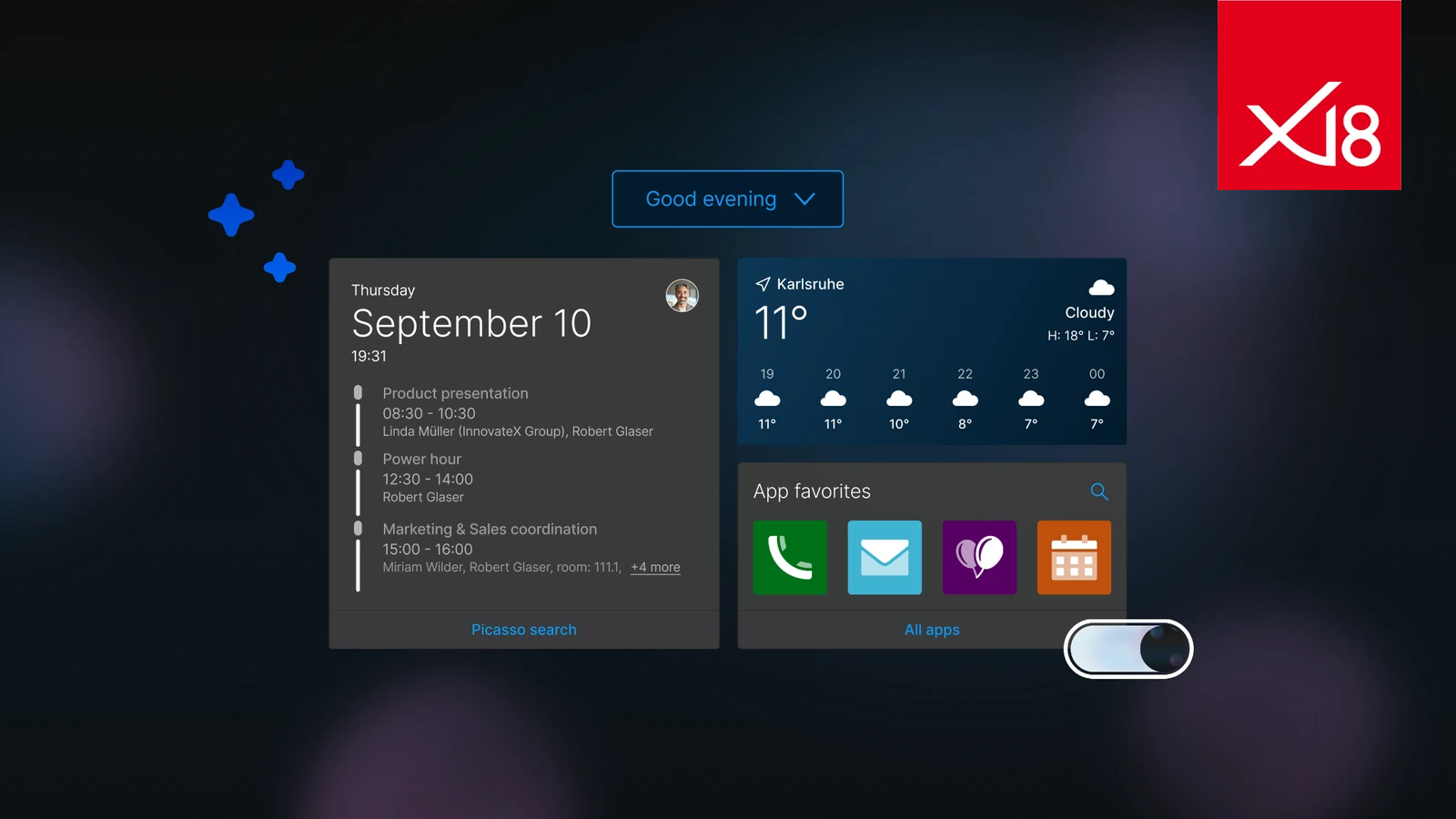
With CAS genesisWorld and SmartDesign 3.0, you have all the answers at a glance. The new dashboard can be customized to display exactly the information and applications you need in your day-to-day work. Clear, modern, and focused on the essentials. Whether you choose Light Mode or Dark Mode, the interface adapts to your preferences and your daily routine.
With custom themes, CAS genesisWorld becomes your company's CRM. Colors, layout, and Corporate Design can be easily adapted to create a consistent look & feel. Combined with optimized keyboard controls and many carefully designed details, the result is a CRM that feels more personal, is more efficient to use, and makes every working day a little easier.
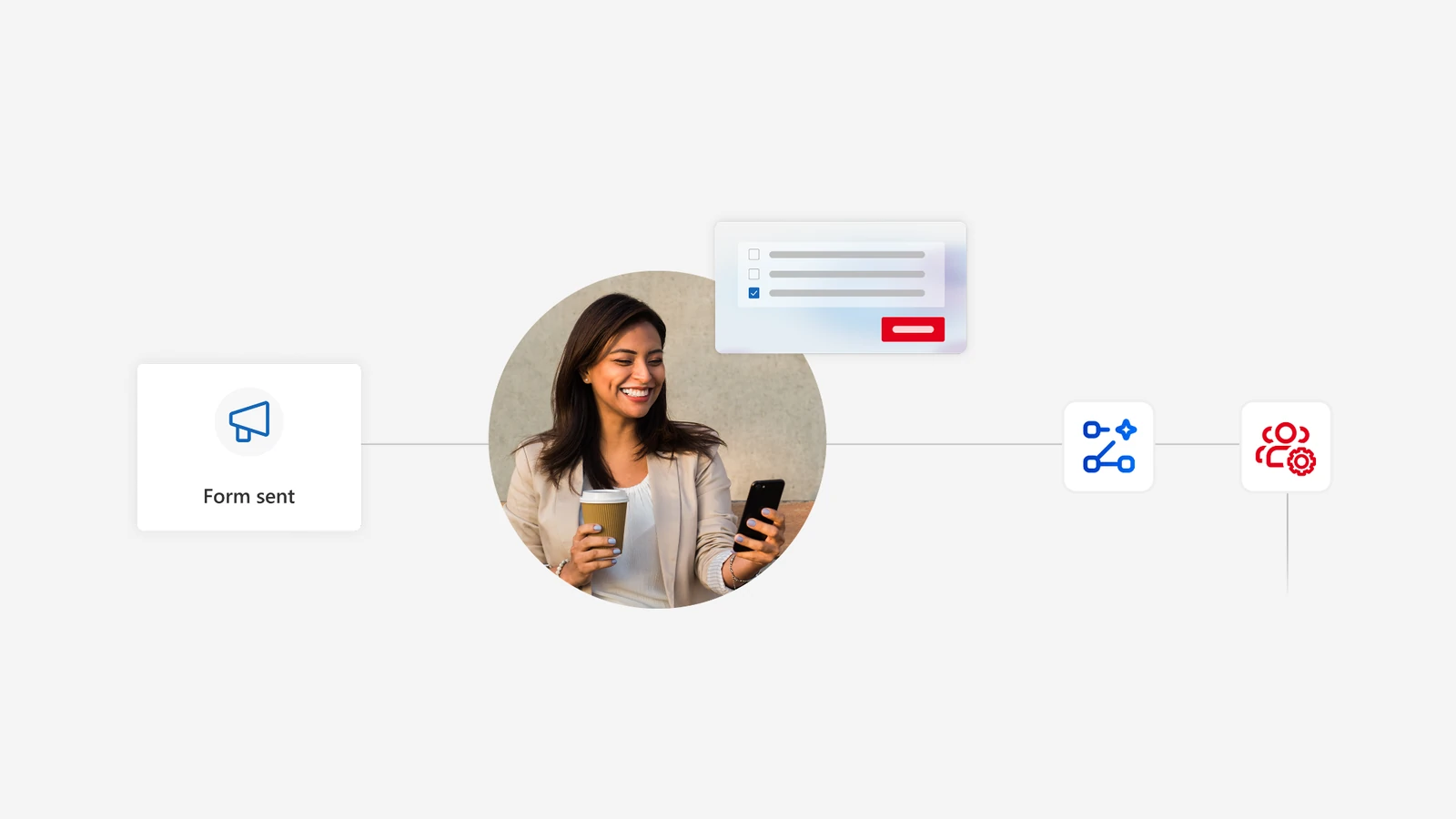
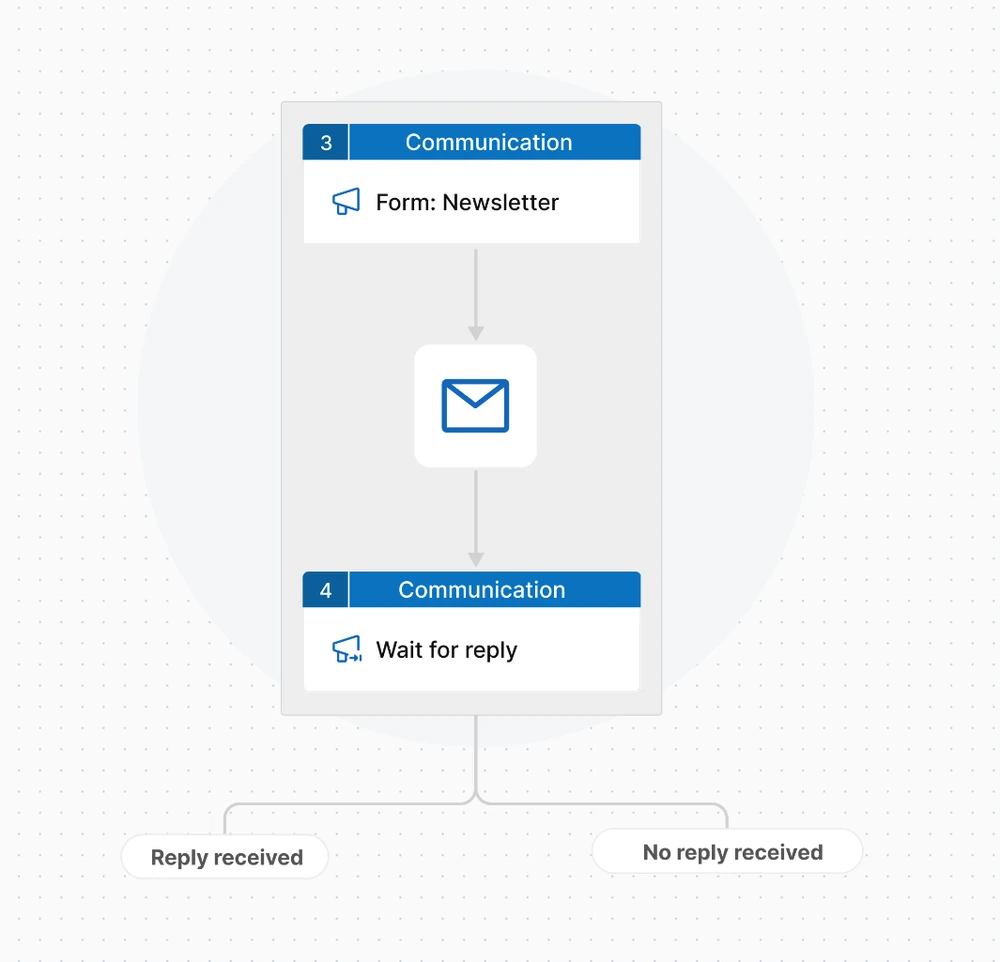
Thanks to the new capabilities, workflows become more versatile, smarter, and more transparent. Inquiries and custom forms can be integrated directly into processes and automated. This makes it possible to validate address data, send appointment confirmations, and process responses directly, for example as part of a double opt-in process. Contacts can also be added automatically to distribution lists based on defined criteria.
Customizable HTML e-mails ensure personalized communication and capture the recipient's attention.
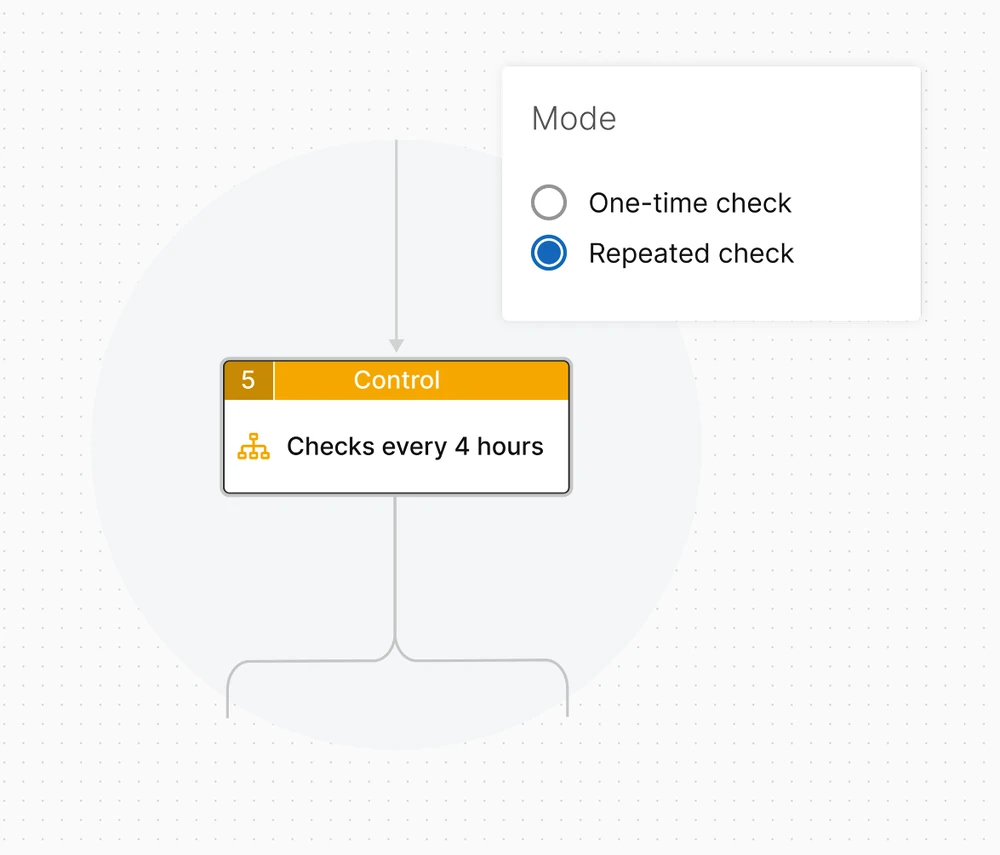
Recurring checks make it possible to monitor status changes automatically. For example, if a process checks the status of a task every four hours, the workflow continues immediately whenever a change is detected. If no change occurs within four days, a reminder is sent automatically.
This way, processes react immediately instead of simply waiting.
The process flow visualization makes even complex procedures easy to understand: it shows what has already happened and what the next step will be.
Workflow steps can also be duplicated quickly, while processes can be imported and exported flexibly. This makes it possible to adapt existing automation processes efficiently and apply them to new requirements.
The result: automated workflows that react, provide intelligent support, and remain transparent at all times.
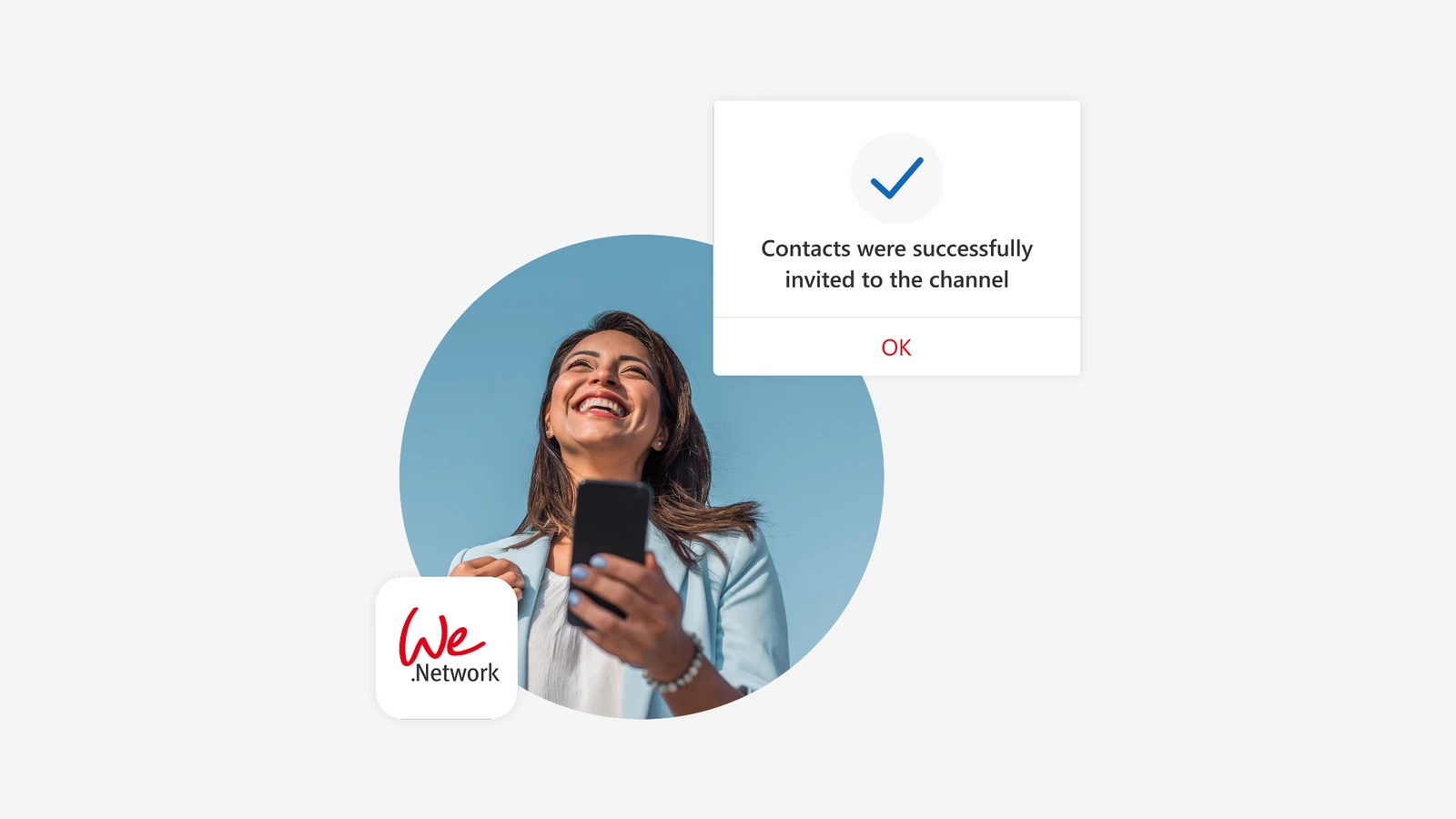
With Community CRM, you can combine the strengths of CAS genesisWorld with We.Network, the fair.digital social network, to create, for example, a communication platform for your employees and customers. This enables direct, privacy-compliant corporate communication, lets you digitalize your company bulletin board, chat with colleagues or customers directly from the CRM, automate community processes, and strengthen relationships sustainably.
Channel membership can be managed automatically based on individual processes and roles. To create a genuine sense of community, your Community CRM can also be customized to match your company's Corporate Design.
Whether they are employees, customers, partners, or event attendees: turn your different audiences into vibrant communities and reach your target groups with relevant content at the right time, encouraging greater engagement and building lasting relationships.
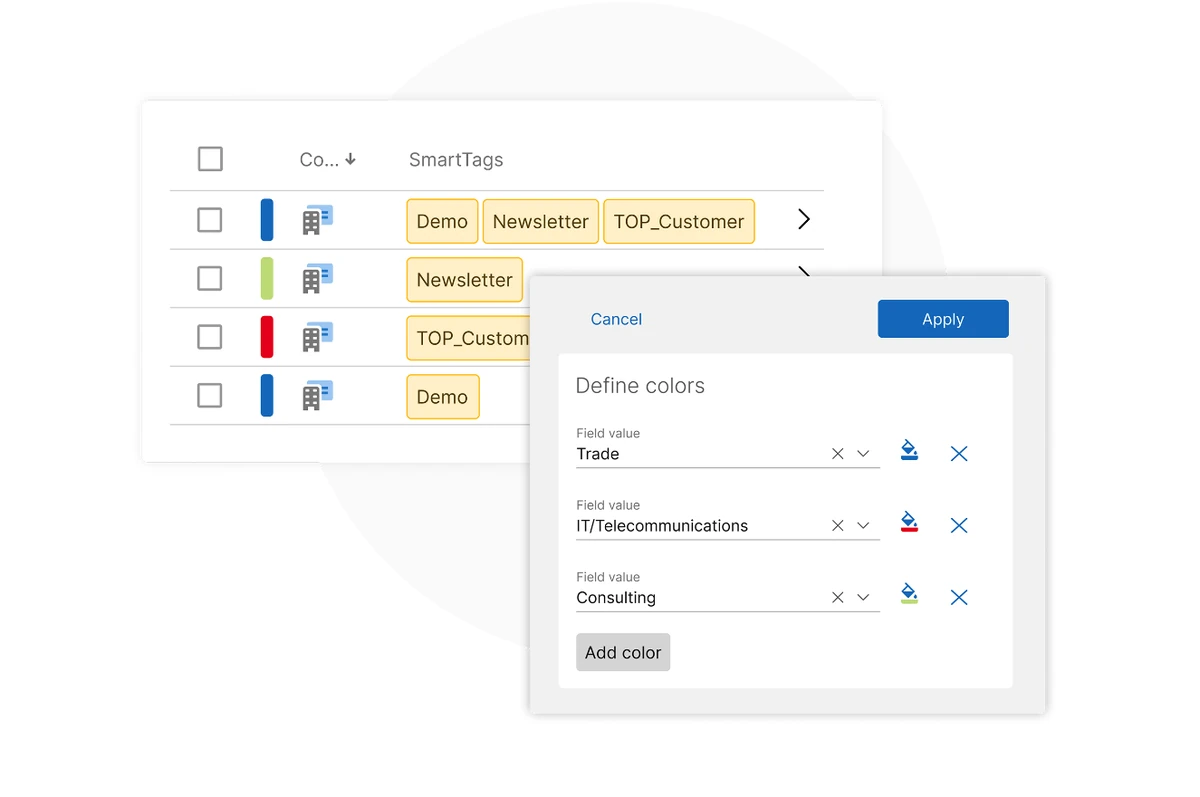
SmartTags are now displayed in a dedicated column. Depending on the available column width, up to five SmartTags can be shown at the same time. This makes important categories immediately visible without having to open individual records.
In addition, the color-coded classification system provides an even clearer overview. Standard lists are transformed into structured views in which priorities are immediately recognizable.
AI makes your CRM even more efficient and intelligent: With AI connect, for example, you can summarize incoming inquiries and conversations, create personalized responses and offers, or tailor e-mails to match your company's desired tone.
Take it a step further with AI coding: You can implement your own CRM functions and complex business logic using natural language and low-code tools. Even multi-step rules and custom requirements can be implemented and flexibly adapted without in-depth programming knowledge.
You can flexibly choose your preferred LLM provider from Google, OpenAI, Mistral, or Anthropic.
In this way, AI becomes an active part of your CRM: It not only assists with individual tasks, but also streamlines communication and allows you to further develop your CRM solution in a flexible and customized way.
When combined with Business Process Automation, AI automatically analyzes and categorizes incoming inquiries, identifies items such as support cases, price inquiries, or requests for presentations, and thus assists with classification, prioritization, and preparing for a decision.
In this process, requests from various inbound channels can automatically trigger a workflow. The appropriate follow-up actions are initiated immediately – from the pre-sorted service ticket to lead qualification and the sending of a proposed appointment.
You can count on the high level of data protection that has always characterized CAS genesisWorld, whether through modern authentication combined with two-factor authentication or through Single Sign-On with identity providers such as Okta, Keycloak, or Microsoft Entra ID.
Flexible hosting options with servers located in Germany are also available. This allows you to operate your CRM solution in line with your organization's specific data protection requirements.
Thanks to the integrated connection to the SmartMaps digital mapping platform and the connection to business.directory, the fair.digital portal for trustworthy business information, CAS genesisWorld also provides digitally advanced solutions in this area.
Discover how to combine a powerful CRM with digital sovereignty, data protection, and security.
Before the day comes to an end, it's worth taking another look at the new version. After all, it's often not just the major innovations, but also the many small improvements that make day-to-day work noticeably easier.
Discover additional features and enhancements that make CAS genesisWorld x18 even more powerful, user-friendly, and flexible in every detail.